House overview
See every floor of your home stacked into a single 3D model and jump into any level with a tap.
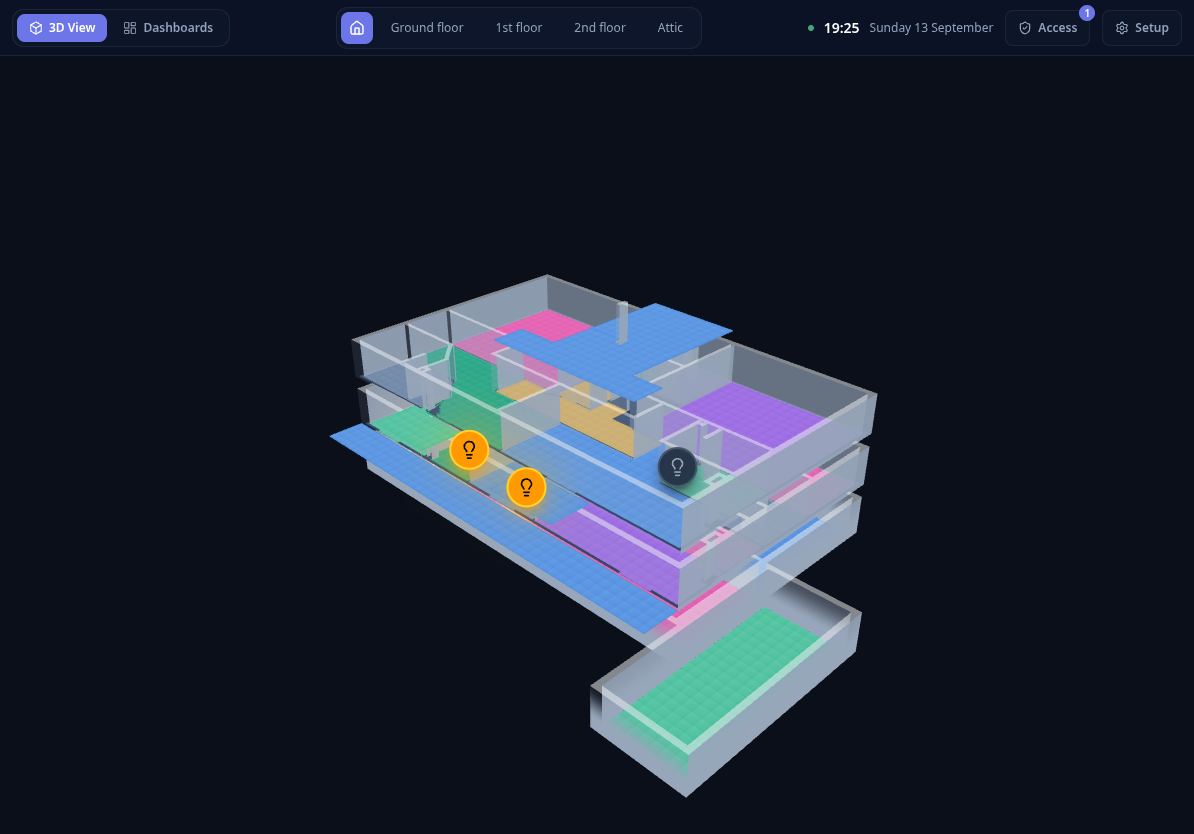
The house overview is the landing screen once a device is signed in. It stacks all your levels on top of each other as one isometric model, so you can understand the whole house at a glance.
What you can do
- Tap a floor to open it in the 3D floor view .
- Select a level using the level selector in the top bar to focus on it.
- Use the top bar to switch to Dashboards, or open Setup to reach the 2D editor.
The stacking order follows the level order you define in the editor — typically ground floor at the bottom, then upper floors, then the attic. Outdoor areas (gardens, patios) are shown alongside the building.